Grow your business. Expand your reach. Automatically.
Put your Google Business Profile to work. Bring targeted map growth, content, citations and supporting links together—with calls, forms and reports that show the bigger picture.
Standard $99/locationLaunch $47/location/month for life
Historical local search results. The same 49 map points, before and after. Top-three rankings increased from 3 on 11 Jun 2026 to 49 on 7 Sep 2026. The maps show the first and latest recorded rankings for this search. Business names are hidden. The earlier scan used a different measurement method.
First 100 locations · Your monthly launch rate for life
THE WORK BEHIND YOUR LOCAL VISIBILITY
More of the work. In one connected plan.
From your business profile to the inquiries it brings. Compare the features that keep your local marketing moving.
THREE APPROACHES. ONE CLEAR VIEW.
Compare your local growth toolkit
In the GeoScribe Complete package
GeoScribe Complete, Merchynt Paige and GMB Gorilla Lite feature comparison. All three products are shown together. A dagger identifies planned GeoScribe features; included describes package scope.
What you get
GeoScribeComplete launch planStandard $99$47/location/mo3 locations minimum $141/month minimum total
“Not listed” means the feature is not described in the reviewed plan, not confirmed unavailable. Service models and allowances differ. Explore the Complete plan
A closer look at your marketing toolkit.
See what each specialist covers, with the corresponding need included in GeoScribe’s package.
01GBP automationMerchyntProfile activity, reviews and ranking reports.Paige$99/profile/monthCitations add $40/location/month; agency terms differ.INCLUDED IN GEOSCRIBEGBP management + map growthCore automation activation pendingCompare the scope
Paige includes strategy adjustments, image geotagging, review tools and heatmaps. Citations cover USA/Canada. The $20 partner citation rate requires the separate agency program.
02Calls & form attributionCallRailConnect inquiries to their marketing sources.Calls$55/monthCalls + forms$105/monthMonthly billing · additional usage applies.INCLUDED IN GEOSCRIBECall + form trackingComplete package · coming soonCompare the scope
Lead Tracking Complete adds forms to calls and texts. Annual billing rates are $50 and $95 per month respectively. Included numbers, minutes and form submissions differ from GeoScribe’s planned package.
03Client reportingAgencyAnalyticsBring marketing channels into client reports.Reporting$20/client/monthUSD · billed annually ($240/client/year).INCLUDED IN GEOSCRIBEClient-ready marketing reportsConnected reporting coming soonCompare the scope
AgencyAnalytics includes automated reporting and 85+ integrations. Its broader channel coverage differs from the six reporting connections planned for GeoScribe.
04Listings distributionYextKeep business details consistent across publishers.ListingsRequest pricingfrom YextAsk for a quote for your locations and scope.INCLUDED IN GEOSCRIBEMonthly citation creationCitation delivery coming soonCompare the scope
Yext distributes location data across 200+ publisher connections. Listings synchronization differs from creating a fixed number of monthly citations.
Official provider pages checked September 10, 2026. Prices are USD with billing terms shown; they are not added together as a savings claim. Product names belong to their respective owners.
YOUR GEOSCRIBE LAUNCH PLAN
More than posting. A plan for your local presence.
See what goes into the full $47 package. Bring your business profile, neighborhood visibility, citations and customer inquiries together in one connected local marketing plan.
Full package or $37 without call and form tracking.
Connect attribution to real leads
Call & Form Tracking
See every call, every form, and the source behind it — in the workspace you already use.
GeoScribe brings call and form tracking into the same workspace as GBP management, citations, and client reporting — so agencies and local teams stop stitching tools together.
Included in GeoScribe Complete — $47/mo
What’s included
GeoScribe Complete
$47/mo
Per location · tracking bundled with GBP
Call + form tracking with source attribution
1 tracking number and 60 call minutes per business location
AI call transcriptions
Dedicated form tracking dashboard
GBP management included
Citation building included
Agency-style client reporting
Why agencies and local businesses choose GeoScribe
Lower cost, more included
Tracking ships inside Complete — not a second subscription.
Faster lead review
Read the AI transcript instead of replaying every call.
Clear attribution
See which channel produced the lead in one shared inbox.
Product preview · Sample data
Lead inbox
Call Inbox
Last 30 days
Date / TimeFromSourceDur.Disposition
Transcript
CallerHi — can you give me a quote for a roof inspection this week?
BusinessAbsolutely. What neighborhood are you in?
CallerSouth Austin, near St. Elmo.
Suggested category
Sales — suggested from the transcript. Someone on the team confirms every category before it is saved.
DispositionQualified Appointment
Form leads
Jordan M.Estimate form
11m ago
Priya K.Contact
1h ago
Chris L.Service request
Yesterday
Source attribution
Google Business Profile58%
Website24%
Google Ads12%
Other6%
A MORE CONSISTENT LOCAL PRESENCE
Your business details. In more of the right places.
Build on your Google profile with 25 citations each month. Your business name, address and phone travel together, with a clear record of the work delivered.
01
Start with the right details
Use your approved business name, address and phone number consistently on each citation property.
02
Create your monthly citations
Add 25 properties to support your local presence, with the business details embedded on each one.
03
Submit. Track. Review.
Submit the created pages for indexing and review their delivery status. Search engines decide what gets indexed and when.
Included in the full launch packageMonthly citation delivery is coming soon.
Example workflow · Illustrative business
YOUR BUSINESS DETAILSExample Home Services
100 Example Street
(202) 555-0148
One consistent name, address and phone
Citation property 01
Business nameAddressPhone number
Submitted
Citation property 02
Business nameAddressPhone number
Submitted
Citation property 03
Business nameAddressPhone number
Created
25/ month
Consistent details. New properties.Citation creation + indexing submission
CreatedSubmittedIndexing checked
Submission and indexing are separate statuses.
Turn marketing data into client clarity
Custom Reporting
Show clients what changed, what you delivered, and what produced leads — without stitching reports by hand.
Included in GeoScribe Complete — $47/mo
GeoScribe vs AgencyAnalytics
GeoScribe
Best local value
$47/mo
Reporting + GBP management + lead tracking + citations
Google Business Profile
Google Search Console
Google Analytics 4
Google Ads + Local Services Ads
Meta Ads
Call + form tracking in the same report
Automated, white-labeled client reports
GBP management + citations included
AgencyAnalytics
~$25/client/mo
Reporting only · annual billing common
GBP management not included
Citation building not included
Call and form tracking requires another tool
Automated dashboards
85+ marketing integrations
White-label reporting
AgencyAnalytics public pricing is typically billed annually per client. Scope differs. Product names belong to their owners.
Why local agencies choose GeoScribe
One local-marketing story
Visibility, work, and leads in a single monthly narrative.
Fewer disconnected tools
Reporting sits beside GBP, citations, and call/form tracking.
Client-ready by design
Clear KPIs clients can scan without a dashboard tour.
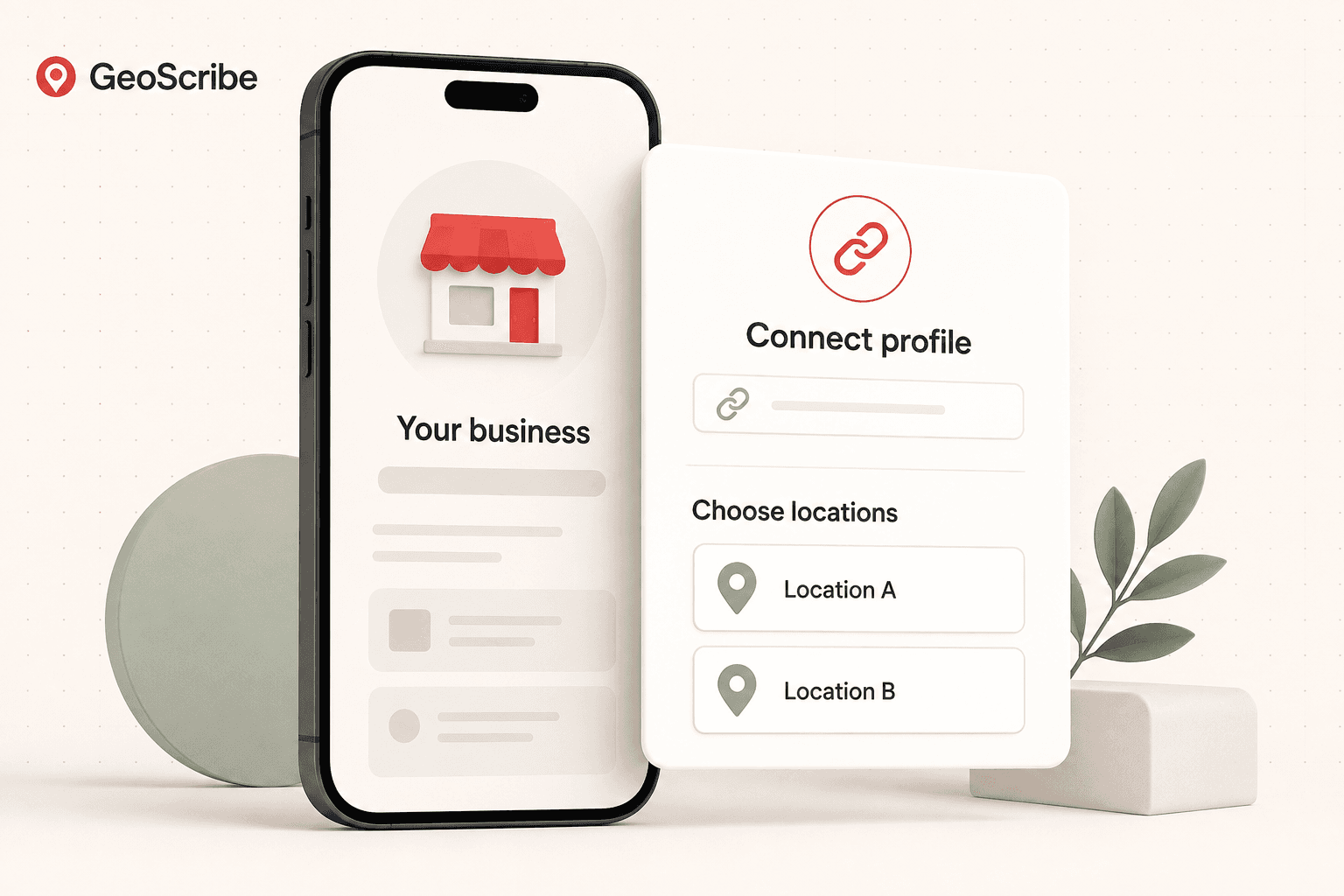
Connect your Google Business Profile, choose your local searches, and set up your automation. GeoScribe takes it from there.
1
Create your workspace
Keep your business and locations together.
2
Authorize Google
Securely connect the Google account that manages your profile.
3
Choose the profile and location
Select the business location you want to grow.
4
Set keywords and territory
Choose the services and nearby areas where you want to be found.
5
Choose your level of control
Let GeoScribe run automatically, or review the work first.
Choose the Google account and locations you want to connect. Your saved business details stay under your control.
Selecting
Choose from the locations your account can access.
Details missing
A location without coordinates can't center a grid yet.
Needs attention
Consent declined or withdrawn, with a route to reconnect.
PROFILE AUDIT & OPTIMIZATION
A stronger profile starts with the details.
Make it easy for customers to understand your business. Your profile audit brings the important details together, so missing information and useful improvements are easier to spot.
Review your hours, business details, categories and services.
Keep your profile aligned with what you actually offer.
Choose which updates to automate and which to review first.
A clear foundation for everything you publish next.
Illustrative example
Your profile, at a glanceBusiness profile checkup
Your local business
The details customers look for
Opening hoursHelp customers plan their visit
Business categoriesDescribe what you do
Services & descriptionMake your offering clear
Review
A useful next stepBring your service details up to date.
Content
Turn what makes your business useful into your next post
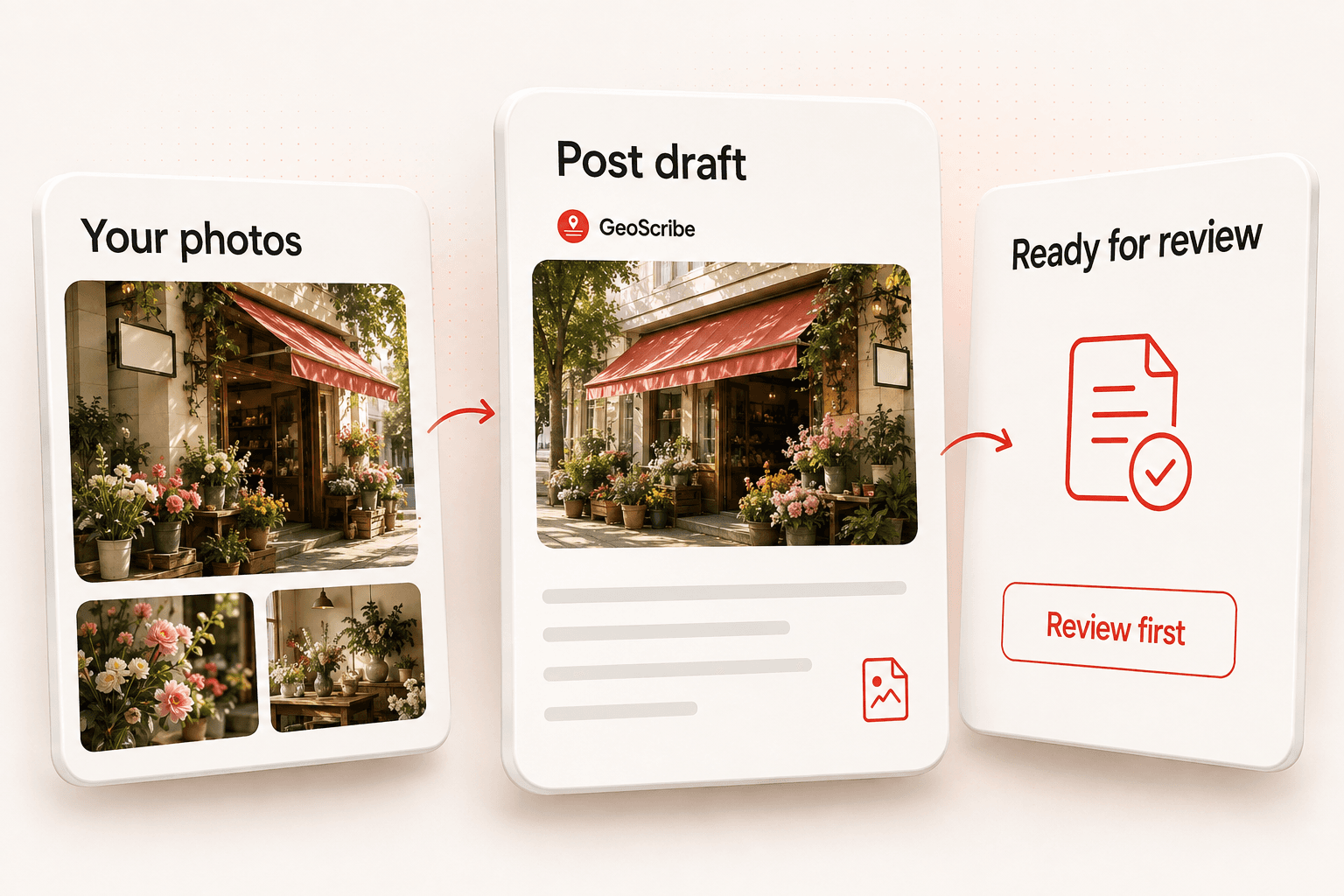
Your services, business facts and local context are what the draft is built from. You can review the exact text before it goes anywhere, and rewrite any part of it.
Draft · exampleAwaiting your review
Storm season is close. Our team is booking free roof inspections across the north of the city this month, including same-week appointments for damage that can't wait.
A draft stays a draft until your chosen workflow allows the next step.
PreparingReady for reviewEditingNeeds attention
Keep your own voice. Edit whenever you want, or choose Review first to approve each post before it goes live.
Illustrative example
ONGOING PHOTO ACTIVITY
Show the business behind the profile.
Your work, your team, your space. Use photos that help a nearby customer picture choosing you, and keep fresh visual content in your weekly plan.
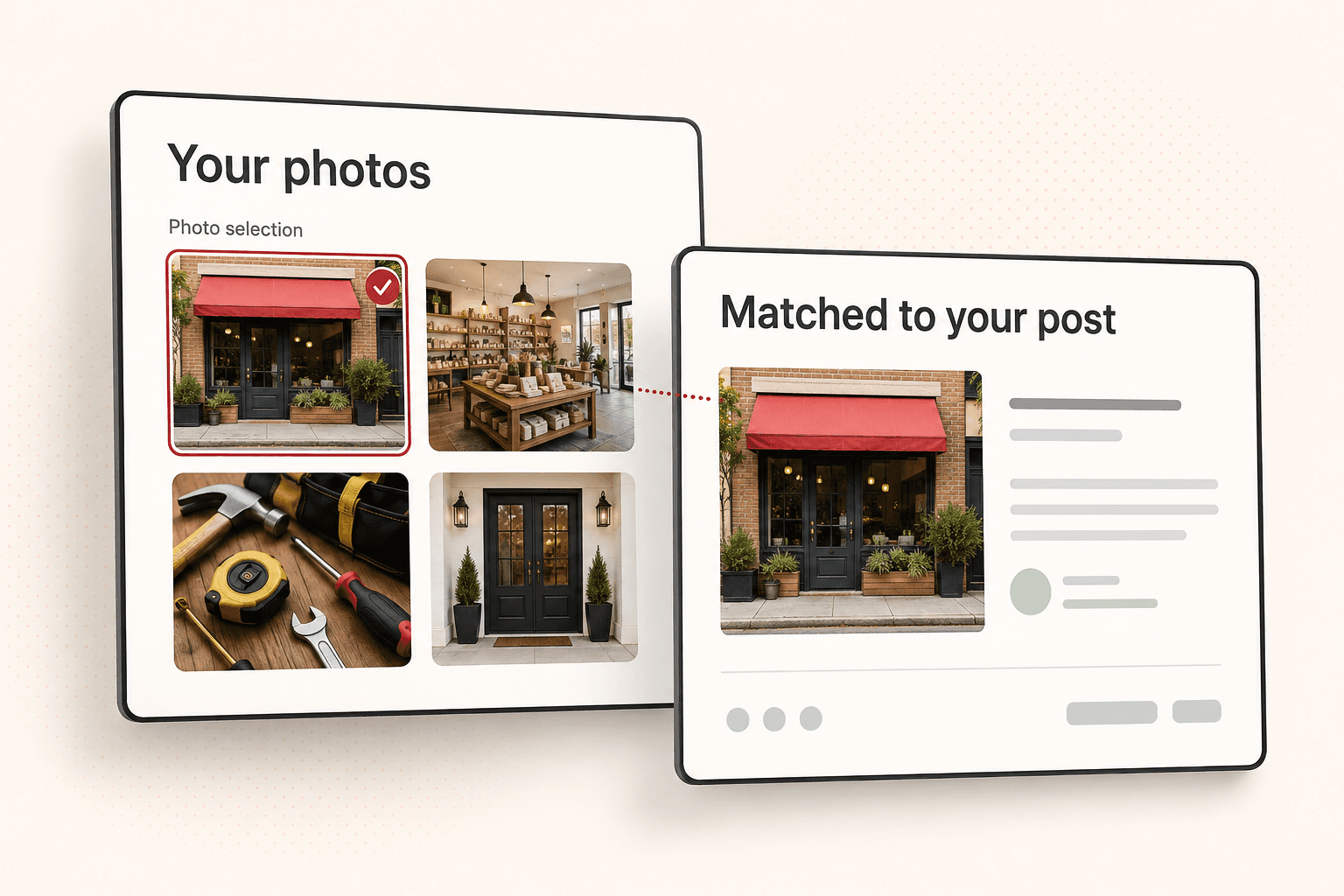
Bring your own business photos into one easy-to-manage library.
Match relevant images to the service and story in each post.
Schedule fresh photos for your Google Business Profile alongside your regular posts.
Less searching for an image. More showing what makes your business worth a visit.
Planning
Give your content a plan
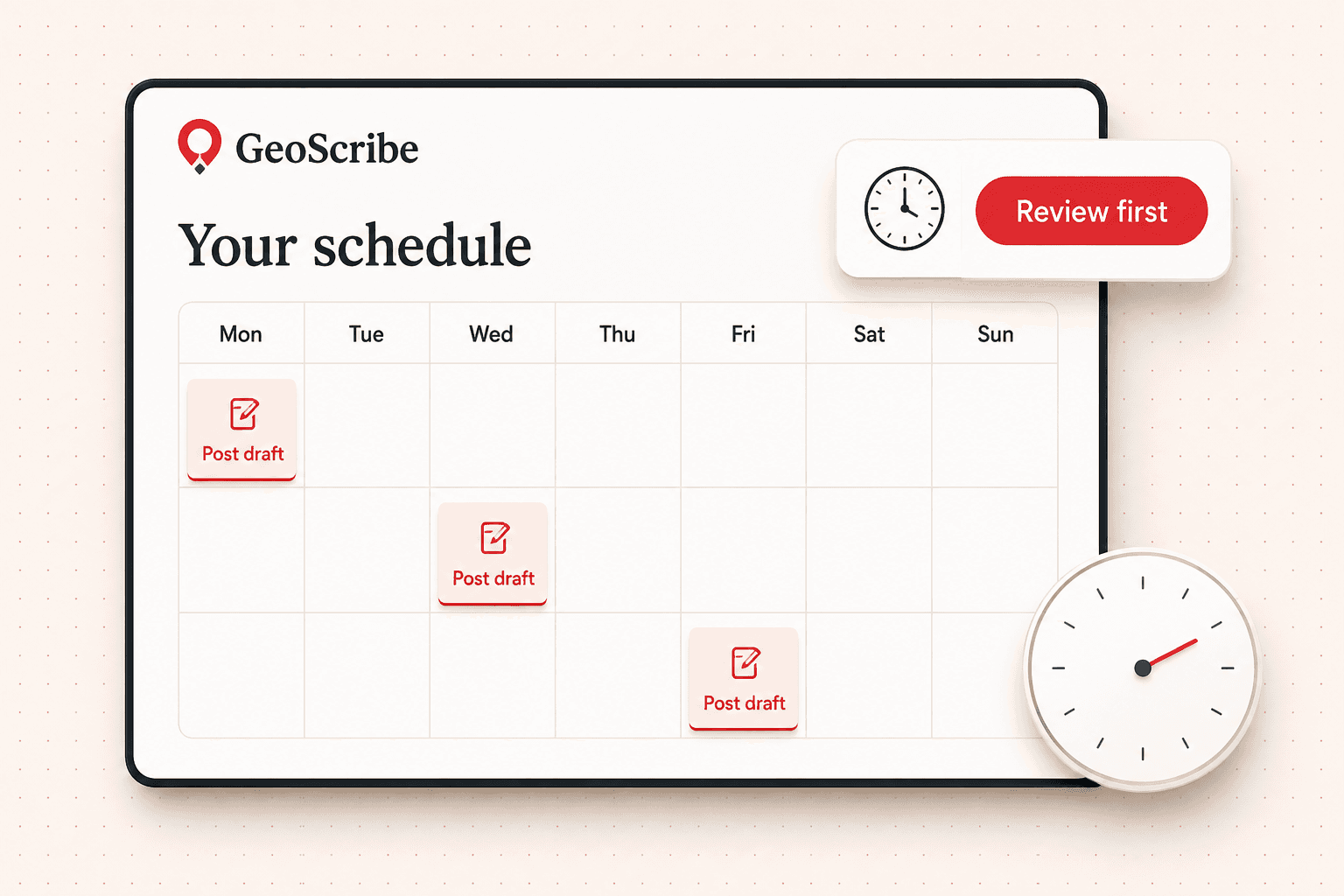
Choose what to promote and when to post. GeoScribe prepares your content on a schedule, so your business stays active without the daily busywork.
Draft
Written, not yet prepared for a specific time.
Awaiting approval
Prepared and waiting on you. It will not send itself.
Scheduled
Approved for an exact local time. Still not published.
Held
Something blocked it — the reason is on the post.
See upcoming posts at a glance. Adjust the schedule, edit the content, or pause when your plans change.
Control
Automate the work. Keep the final say.
GeoScribe is built to run automatically. Set it up once, then let it handle the work. You can still edit content or choose to review before anything goes live.
Automatic
Set your schedule and let GeoScribe handle the posting. Your profile stays active without another daily task.
Publishes on the schedule you choose
Works within your chosen posting and scan limits
See what’s published and what’s coming next
Pause new work anytimeReview first whenever you wantSee what’s already published
Example of your automation controls.
PROXIMITY TARGETING
Put your next move on the map.
Strong on one side of town, harder to find on the other? See the neighborhoods that need attention and focus your content where it matters next.
Neighborhood focusIllustrative example
N
Northwest focus area
Your business
Turn a weaker area into a work plan
Give this neighborhood your attention.
Northwest neighborhoods
Pair the story with relevant imagesBusiness photos that fit the service.
Focus your next postsRelevant services. Local context.
Check progress over timeSee what your next scan shows.
See the opportunity. Give your next move a purpose.
A heatmap shows where you stand. Your growth plan connects those observations to relevant work, another measurement and a considered next step.
01
Scan your area
Measure one keyword across the neighborhoods around your business.
02
Find the opportunity
See where visibility is weaker and select the area to focus on.
03
Give the area attention
Plan relevant posts and image work around your services and local context.
04
Measure the change
Rescan and compare the same places across saved dates.
05
Explore farther
Expand after sustained coverage, within your chosen area and scan limits.
Keep progress and coverage in view. Compare rankings in the original area as you explore a larger map. A wider boundary measures more territory; saved rankings show what changed.
When your current area consistently performs well, GeoScribe can check farther out within your chosen limits. Turn the next ring of neighborhoods into a clear next step.
Coming soonSupporting pages and links are being prepared for the new package.
Give your published posts more support.
Give useful content a connected place in your local marketing. Relevant supporting pages link to your published Google Business Profile posts, while links between related pages bring the topics together.
Create relevant supporting content around your services and published posts.
Connect related pages so customers can follow a topic in more detail.
Keep post boosting in your plan, with no separate boosting subscription.
Included$19.95/moSuggested standalone value
A connected content plan that supports the work on your profile.
“Friendly service and a team that took the time to help.”
Suggested reply
Thank you for sharing this! We’re glad our team could help and appreciate you choosing us.
Make it your ownReview reply
Your voice. Your level of control.
CUSTOMER REVIEW MANAGEMENT
Great service deserves a thoughtful reply.
Keep customer feedback close. Bring Google reviews into one inbox, prepare replies that fit your business, and choose the level of automation that works for you.
Find the reviews that need your attention.
Edit a suggested reply or write your own.
Review before sending, or automate replies within the settings you choose.
Included$19.95/moSuggested standalone value
Stay responsive without making your inbox another full-time job.
Expanded package coming soon. Review the offer now; no payment or reservation is taken.
0/100 locations claimed
LAUNCH OFFER
100 locations remaining · $47/location/month for life.
Citation delivery, supporting links, lead tracking and new reporting connections are being prepared. Google Ads, LSA and Meta Ads reporting are coming soon.
Understand the details before you start
Simple answers before you get started.
The $47 per-location launch package brings together GBP optimization, content, review management, map growth, supporting links, 25 monthly citations, call and form tracking, and automated reporting. Citation delivery, supporting links, lead tracking and new reporting connections are coming soon as we prepare this expanded package.
RESULTS. AUTOMATION. SIMPLICITY.
Your next customer is searching. Help them find you.
Automate your Google Business Profile and follow your local growth.